
Shared Spaces
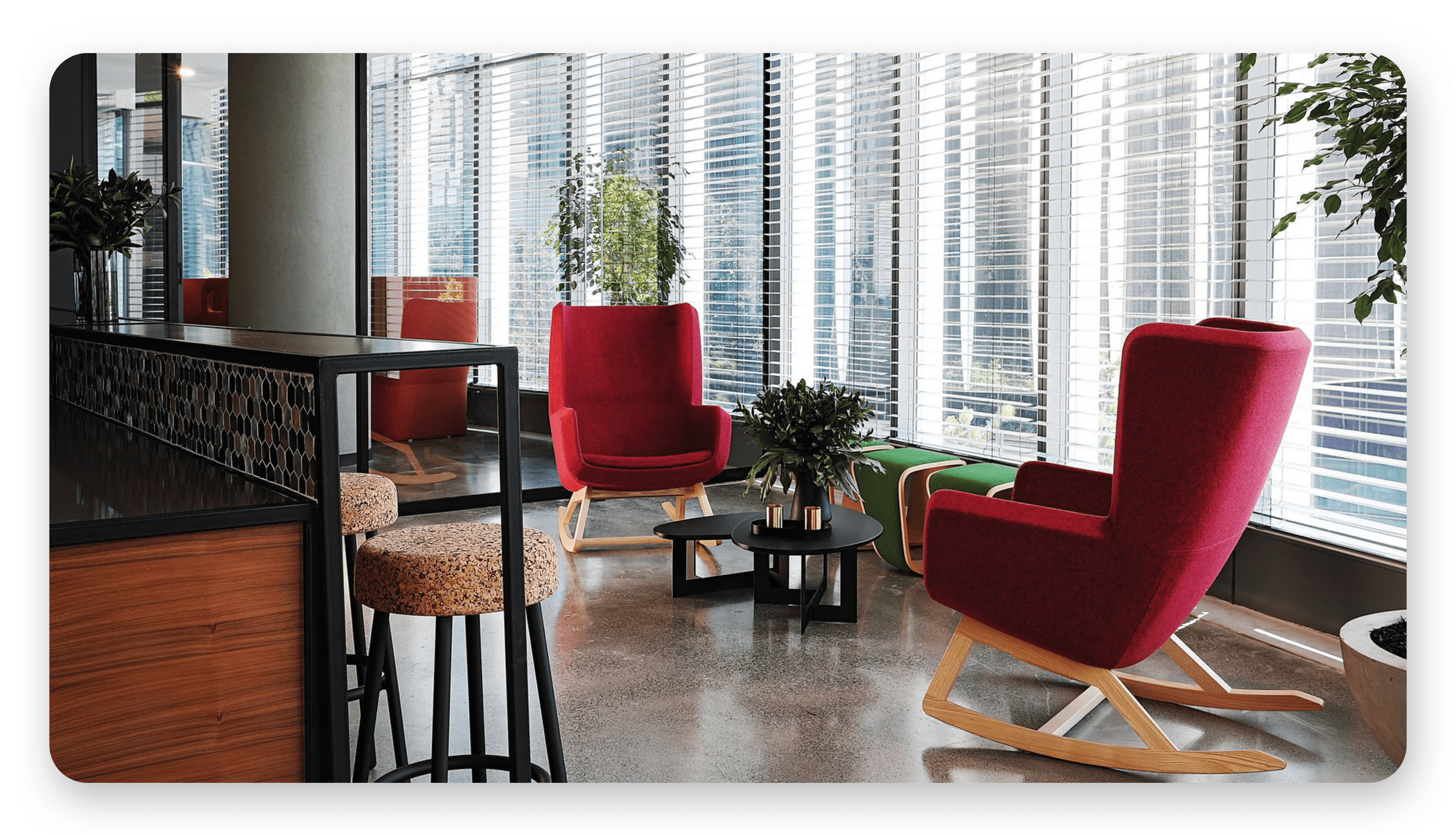
Sharing communal settings requires a preventative, proactive approach to keeping well, minimising risk and spreading of germs. Following our guidelines will help maintain your own health as well as that of your co-workers.
-
Bring your healthy self to work. Stay home when you are ill.
-
Wash your hands. It’s the best way to prevent the spread of germs.
-
Keep it to yourself. Sneeze or cough into the crook of your elbow or a tissue that is immediately disposed of in the trash.
-
Make note of high touch-points. Be extra vigilant and be sure to wash your hands or use hand sanitiser after touching these most common areas that breed germs:
- Sink faucet
- Microwave door
- Keyboards
- Telephone headsets and keypad
- Refrigerator door
- Water filter machine
- Vending machines
- Coffee machines
-
Keep moving. Use the internal stairs whenever possible instead of the elevator. Take a walk at lunch. Consider a walking or standing meeting.
-
Keep spaces and walkways clear.
Noise, Distractions & Interruptions
While the ability to focus in an unassigned environment increases with time, noises can occur as people move about the space. Here are a few tips for a considerate approach to day-to-day interactions:
-
Keep to a low tone. Maintain a voice soft enough so the folks at the next desk don’t get distracted by your conversations.
-
Use headphones. When joining a conference call while at your desk, use your headphones to limit the noise disruptions to others and to keep your calls confidential. When you can, use a meeting a room to join meetings. If you are using noise cancellation headphones, removing one earbud will help you keep your voice at an appropriate level.
-
Use phone discretion. Relocate to enclosed spaces when on a speakerphone, having lengthy conversations or participating in interactive calls/conferences. If you are using a cellphone, removing one earbud will help you keep your voice at an appropriate level.
-
Be conscious of non-verbal noise. Keep cell phones and other devices on vibrate or on a low ringtone. Refrain from humming and pencil or finger tapping as can be distracting to your neighbour.
-
Chat away from focus workspaces. Avoid talking past your immediate neighbour. Instead, find an isolated location and move noisy conversations away from designated work spaces.
-
Reserve enclosed spaces when needed. Team activity spaces are available for larger or longer meetings.
-
Signify privacy preference. Wear headphones, go to designated focus spaces or use other methods to manage distractions and to indicate that you are engaged in focus work and do not want to be disturbed.
-
Respect personal boundaries. If your neighbour is visibly occupied, wearing headphones or otherwise signalling they are doing focused work, hold your thought or question for another time. Or, send a message they can reply to at their convenience.
-
We all enjoy online shopping and having items delivered to the office. If you are expecting a delivery, please ensure that you are available to receive it yourself.
Clean desk
Establish and practice a clean desk policy when working from the office and/or remotely. A clean desk policy will establish a culture of security and trust for all.
- Papers containing personal and/or confidential information may never be left on a desk. Sensitive working documentation must either be placed in locked drawers or shredded.
- At the end of the working day, you are expected to tidy your desk and lock all documentation away.
How to keep a clean desk
* Allocate time in your calendar to clear away your paperwork.
- Always clear your workspace before leaving for longer periods of time.
- If in doubt - shred it. If you are unsure of whether a duplicate piece of sensitive documentation should be kept - it will probably be better to place it in the shred bin or filed securely on Basecamp.
- Consider scanning paper items and filing them electronically in your workstation.
- Lock your desk and filing cabinets at the end of the day.
- Lock away portable computing devices such as laptops or test devices.
Hygiene
Clean up after yourself
Dishware and appliances
Please remove any dishware from work spaces, workstations and other shared communal spaces.
- Please rinse out your dishware and pack it neatly next to the sink. Once the cleaner has cleaned the dishes, all used dishware needs to be packed into the dishwasher.
Clean the appliances after you used it. If you make use of the microwave, sandwich press etc, please make sure it is clean when you are done.
Coffee machines
Please do not maintain or descale the coffee machines. If the beans and/or water tank is empty, please fill it up. If the water tray is full, please empty it.
For any other issues/queries with the machine, please chat to the Operations team about it. We have service agreements for suppliers who specialise in maintaining our coffee machines.
Storing food items
Items in fridges must be:
- In a SEALED container
- Within its expiry period
- Removed at the end of the week
Warning
All leftover food will be disposed of every Friday.
Items in the office must be:
- Stored in your locker
- In a sealed container
- Within its expiry period
Use of workstations
Please keep your workstations neat and tidy.
-
Refrain from eating and personal grooming.
-
Removing any unnecessary items (used stickies, useless box etc) from your desk and placing it in your locker to keep the area neat and tidy.
-
Close the lids where you plug your chargers in.
-
When you leave a workspace for a significant period of time and you believe someone else may be able to make use of that space, push in the chair and make sure to take your items with you or store them in your locker. Ensure you leave all spaces better than you found them. Allow sufficient time before vacating to clean desks and rooms so they are ready for action by the next team.
Use of lockers
We have allocated lockers to everyone who requested one, please make sure that you store all your bags, jackets and other items in the lockers. Besides making the office look untidy, it is a Health and Safety risk.
Info
If you do not have a locker and need one, please contact the Operations team to have one allocated to you.
Use of meeting rooms
-
Honour your booking time. Update or cancel your booking if activities change, run longer or end earlier than expected.
-
Dispose of food and drink waste appropriately in the kitchens.
-
Remove dirty dishes, utensils and place them in the dishwasher.
-
Reset and turn off equipment (where applicable).
-
Wipe off white boards.
-
Clear tables return furniture to its original layout.
-
Push chairs back in place.
-
Return any borrowed equipment or supplies sourced elsewhere.
-
Please do not swap or relocate chairs, non-mobile technology, artwork or plants.
-
Be considerate and mindful.
Info
Please remember that we are all sharing spaces and need to keep this in mind. Be considerate for your team member by keeping the office clean, tidy and hygienic for all.